API Keys
How to prepare a law search API key
Save LAW_OC in Semo only when a law search skill asks for it for a local execution path.
Before you start
Depending on the execution path, law search may not require a user-provided key. If Semo uses a remote MCP endpoint, it can call the registered URL without asking you to enter LAW_OC.
The official Law Open Data OPEN API guide lists OC as the required API credential parameter for law list search. Prepare this value only when the skill preparation card asks for LAW_OC or a law search API key.
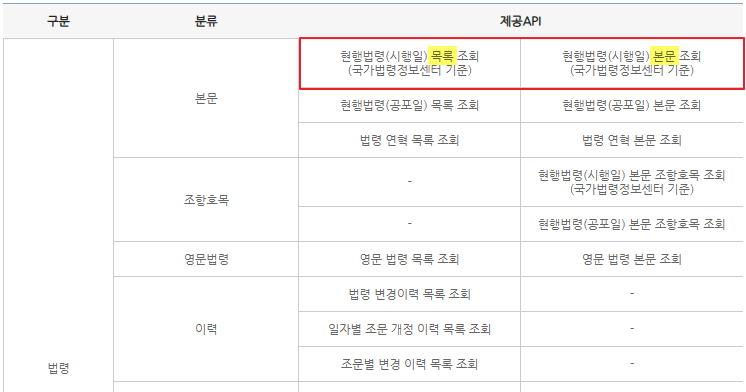
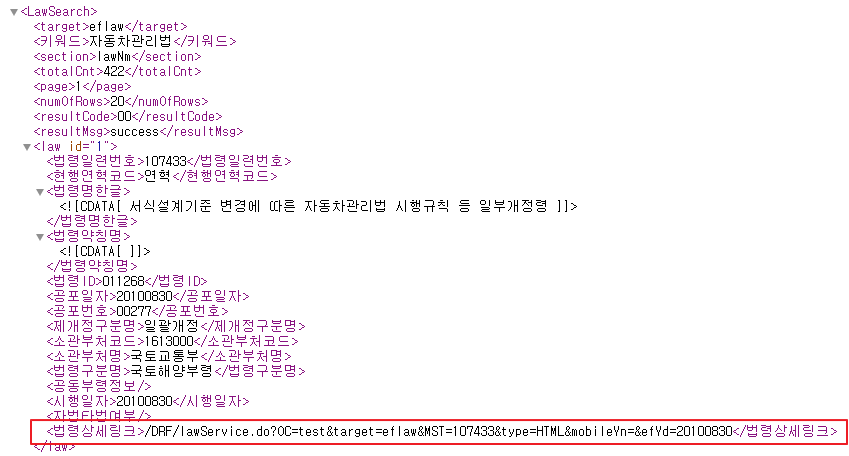
Setup steps
- 1
Confirm that Semo is asking for LAW_OC.
- 2
Find the credential in the Law Open Data OPEN API application or API credential management menu.
- 3
Copy the issued or configured value exactly.
- 4
Save it as the law search API key in Semo's key input screen.
- 5
After saving, continue the original law search request.
Semo input value
Enter it only when requested
If Semo does not ask for LAW_OC, you do not need to prepare this value.
| Semo field | Value to enter |
|---|---|
| LAW_OC | Law search Open API credential or token required by the local MCP setup |